
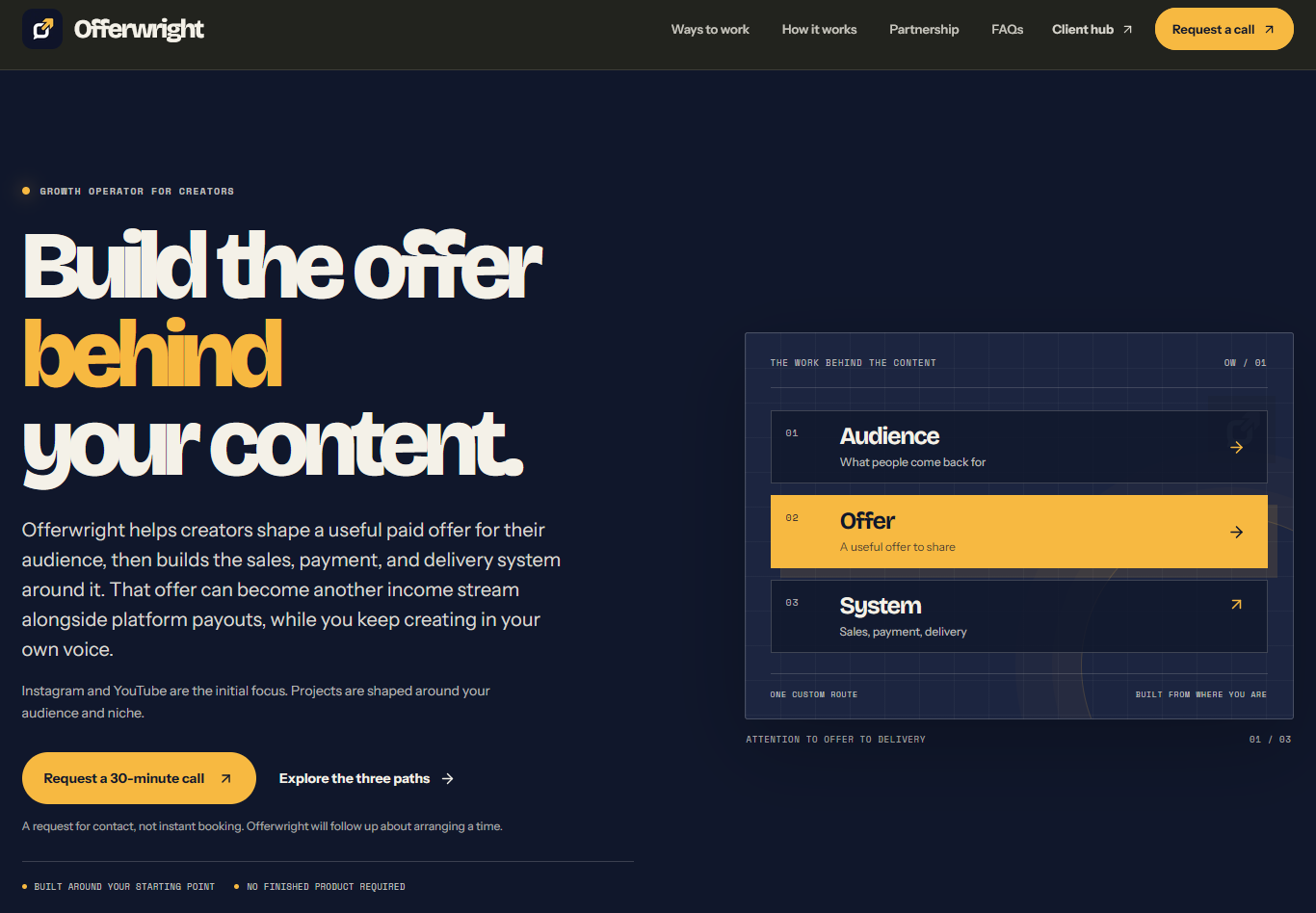
Make your next idea visible
Turn your idea intoa working web project.
Buildy helps you make websites and web apps from a plain-language brief. Describe what you need, review the working result, then keep shaping it inside the same workspace.
Start with a brief. Keep shaping the project as you go.
Selected projects / made with Buildy
Seven projects. Different ideas, made visible.
Browse seven projects built with Buildy, and see some examples of what you can build in minutes without knowing a single thing about coding.
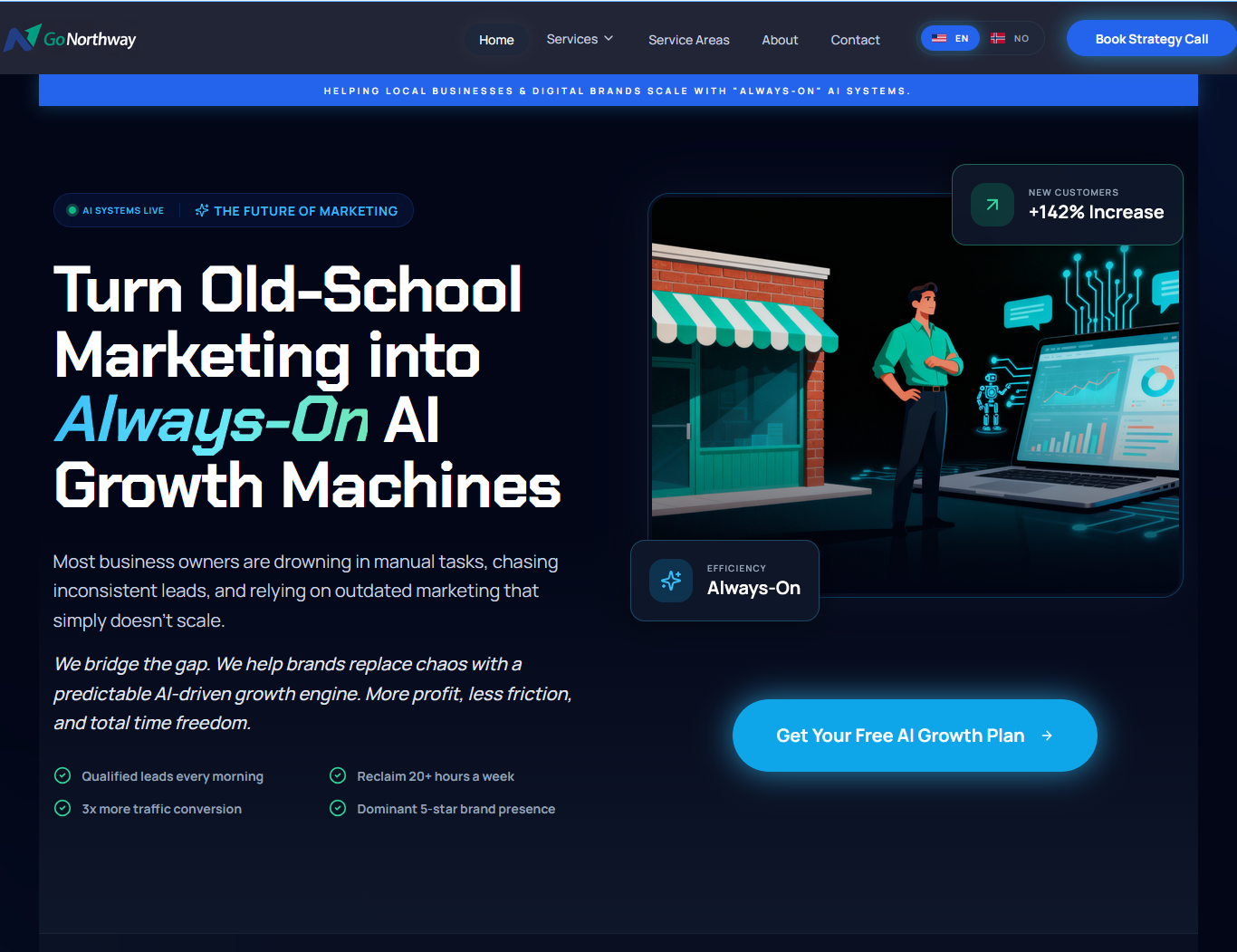
GoNorthway
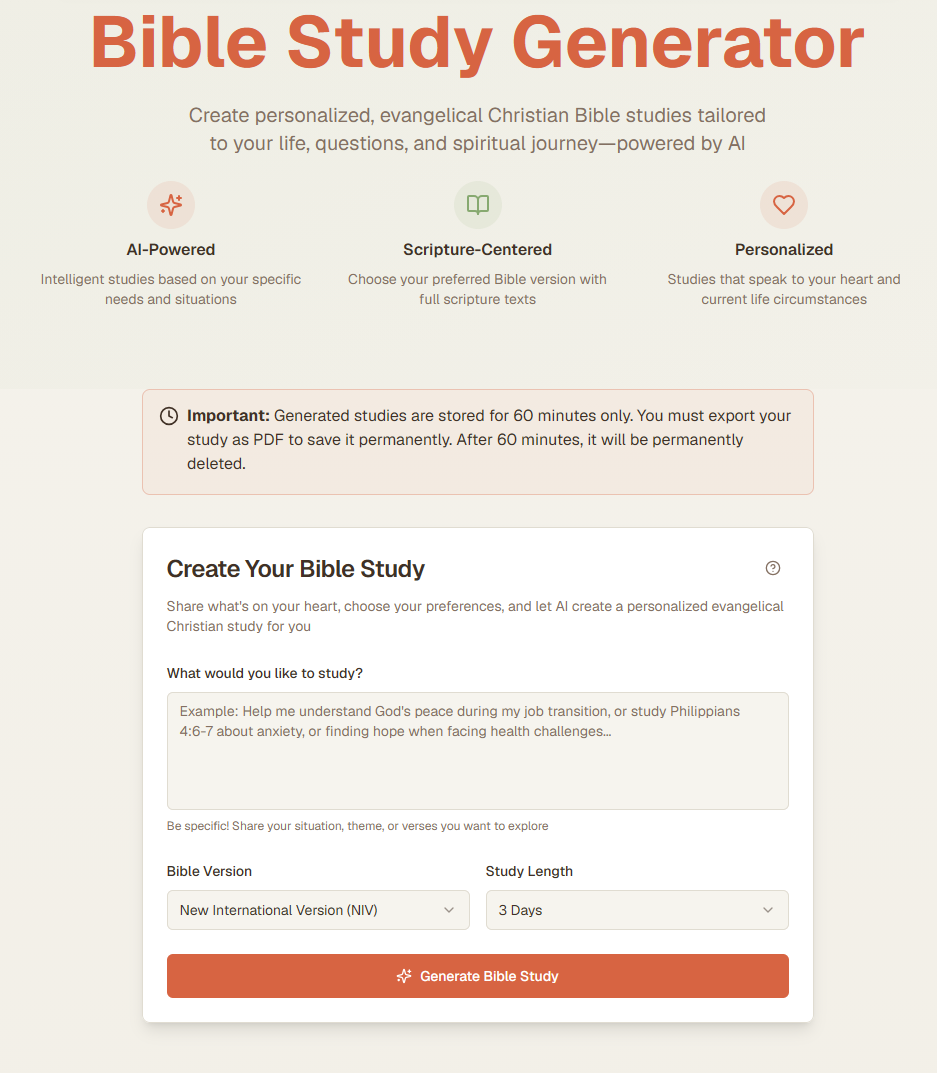
Bible Study Generator
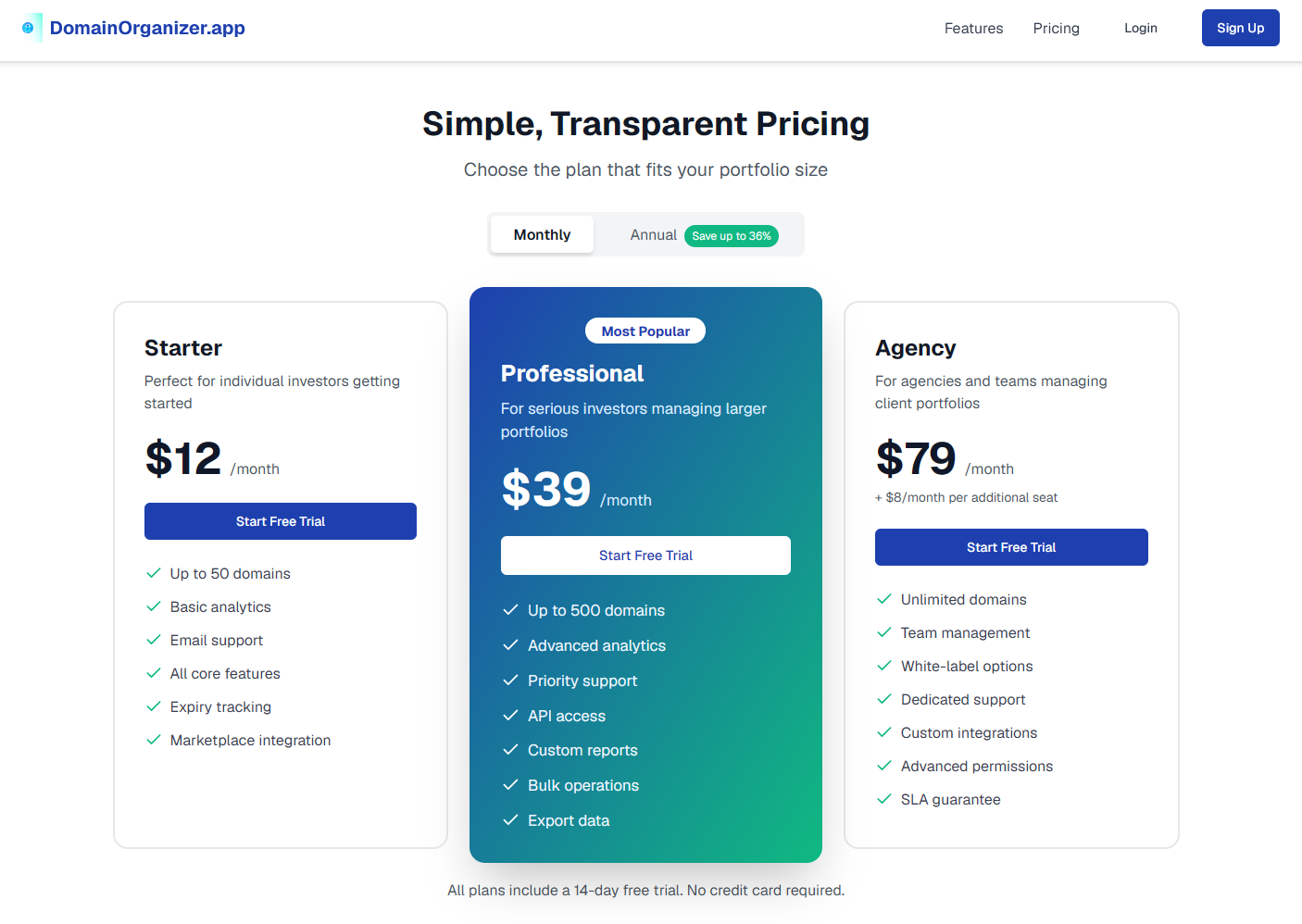
DomainOrganizer.app
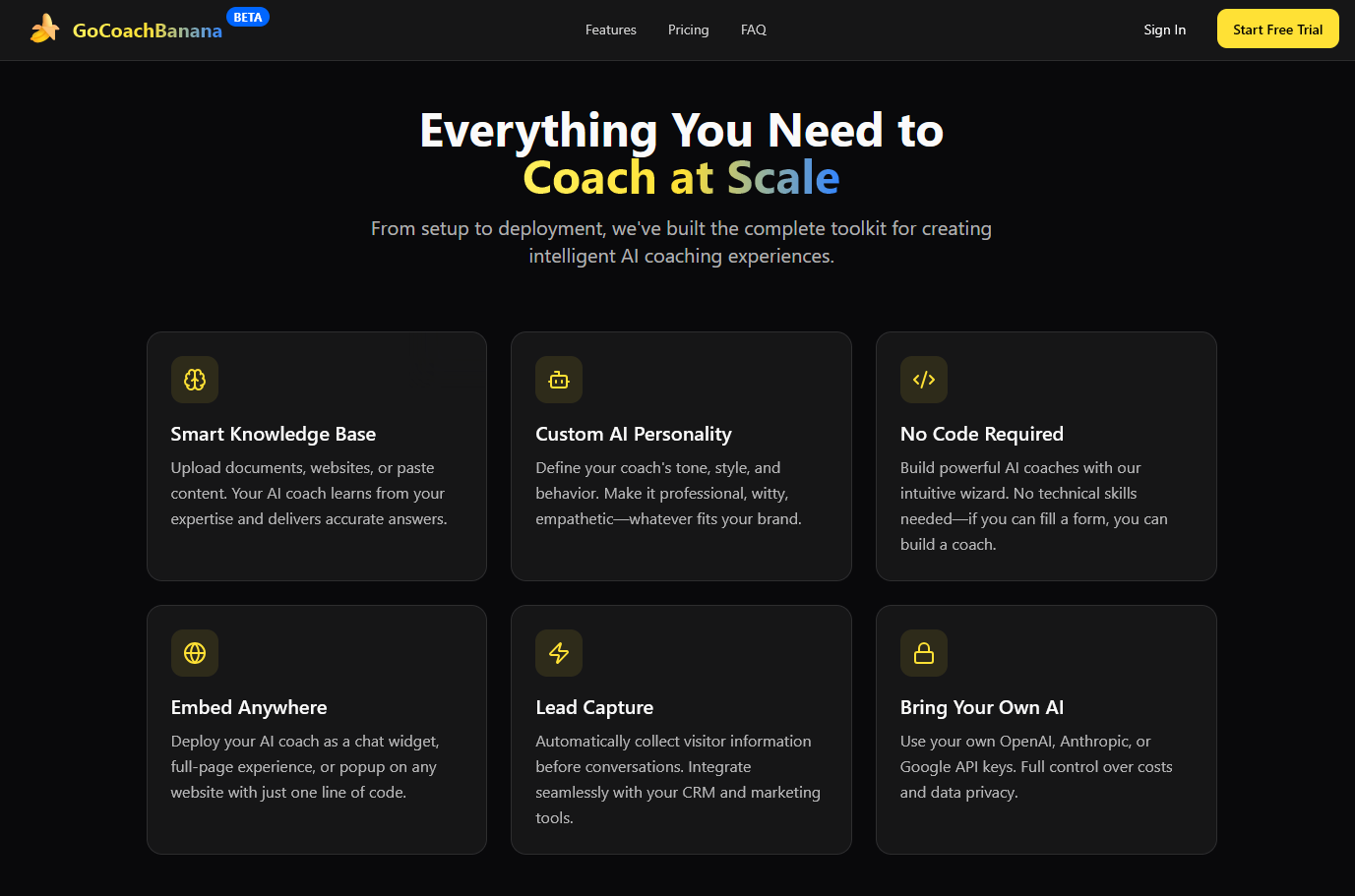
GoCoachBanana
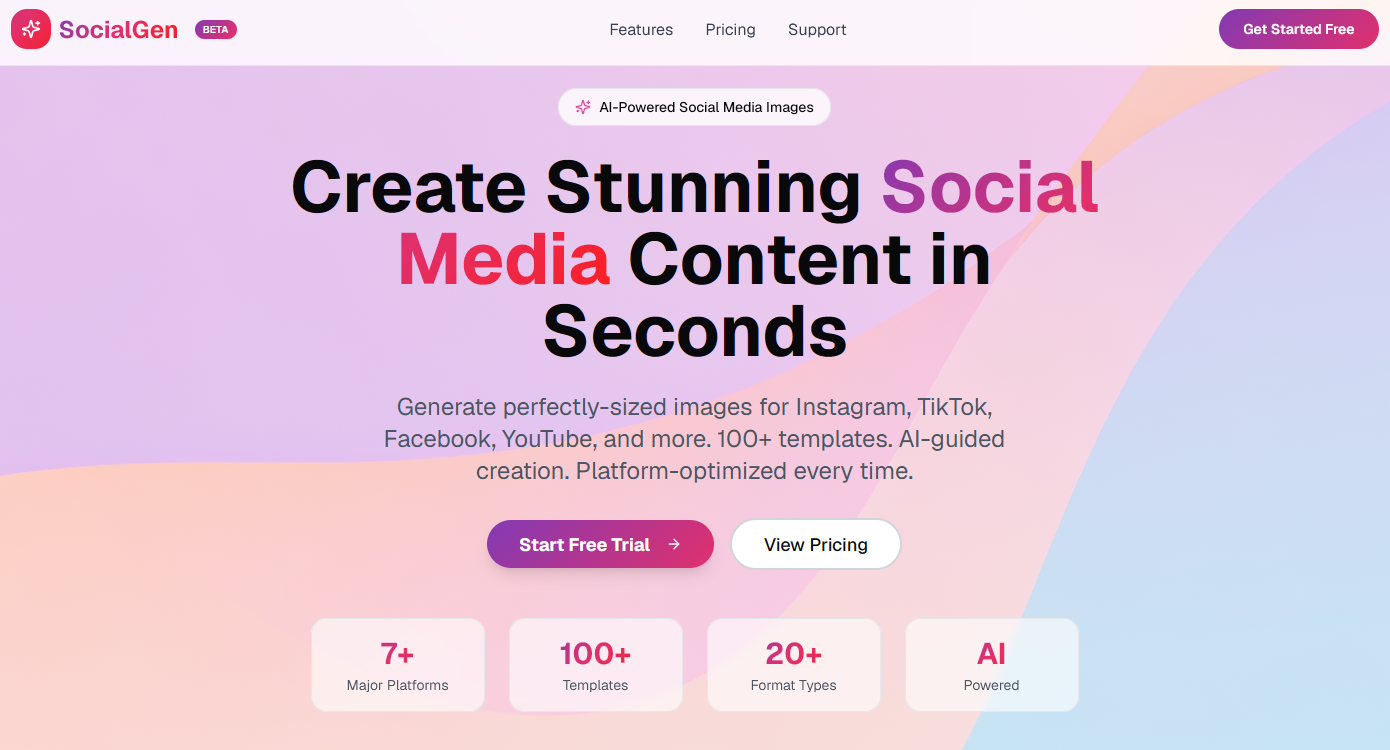
SocialGen
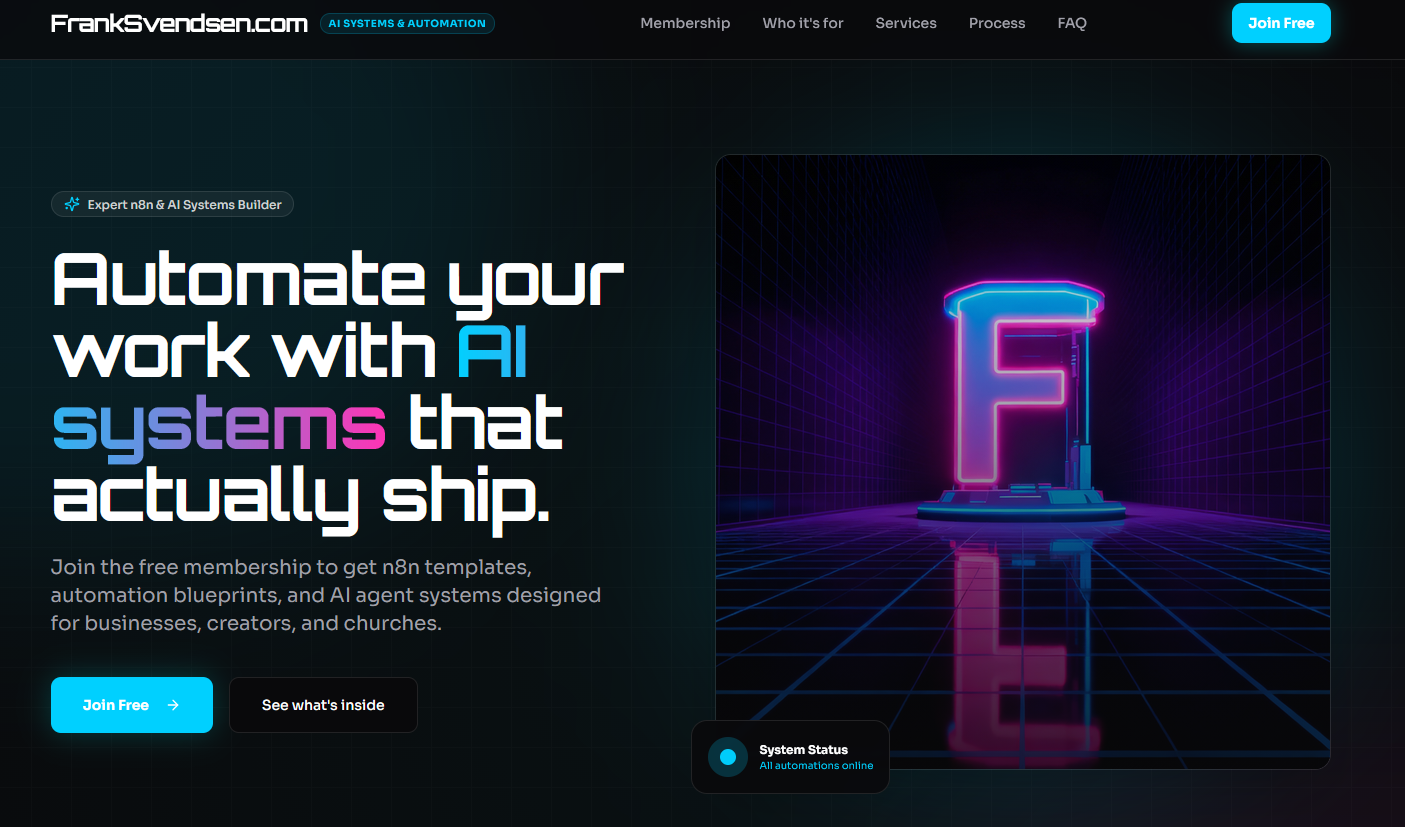
FrankSvendsen.com
Hover or focus the gallery to pause and take a closer look
What Buildy helps you do
A first version you can react to.
Buildy gives your idea a visible starting point. From there, you can decide what belongs, what needs another pass, and what to make next.
01
Start with plain language
Describe the site or app you want to make in everyday words. Give Buildy the context behind the idea, not a stack of technical instructions.
02
Review a working draft
Buildy creates a starting point you can inspect in the live preview, so you can make decisions while looking at an actual project.
03
Keep refining the details
Request changes to content, layout, or functionality, then review the updated result as your project takes shape.
How it works
An idea is easier to shape when you can see it.
Treat the first result as something to inspect and improve. A visible draft gives you a concrete place to make the next decision.
Write a useful brief
Tell Buildy what you want to make, who it is for, and what it needs to do. Add the details you know, then fill in gaps as the project takes shape.
Review the result
Look through the pages in the live preview. Check the message, structure, and the next action a visitor should be able to take.
Ask for a focused change
Describe the revision you want and review the updated project. Keep the parts that fit, then continue shaping the rest.
Personal guidance, when you want it
A project can still benefit from a conversation.
Want focused input on a Buildy question, project direction, or a specific build task? I offer one-to-one coaching for people who want another perspective while they work.
Your next project starts here
Give the idea a first version.
Bring the thing you want to make. Buildy gives you a place to start, review, and keep refining the project.